Python has become one of the most popular languages in data science due to its simplicity, extensive libraries, and vibrant community. In this tutorial, we'll cover the essentials to get started with Python for data science.
| Reason | Description |
|---|---|
| Ease of Learning | Simple syntax and readability make Python great for beginners. |
| Library Ecosystem | Popular packages like NumPy, Pandas, Matplotlib, and Scikit-learn support data manipulation, visualization, and machine learning. |
| Community Support | Python has a large and active community offering extensive tutorials and resources. |
You can install Python and essential data science libraries using pip or use a distribution like Anaconda which bundles them for you.
# Using pip
pip install numpy pandas matplotlib scikit-learn jupyterPandas is a powerful data analysis library. Let's start by loading and exploring a dataset.
import pandas as pd

# Load dataset
df = pd.read_csv('data.csv')

# Show first 5 rows
print(df.head())Use Matplotlib or Seaborn to create visual insights:
import matplotlib.pyplot as plt

# Histogram of a column
df['age'].hist()
plt.title('Age Distribution')
plt.xlabel('Age')
plt.ylabel('Frequency')
plt.show()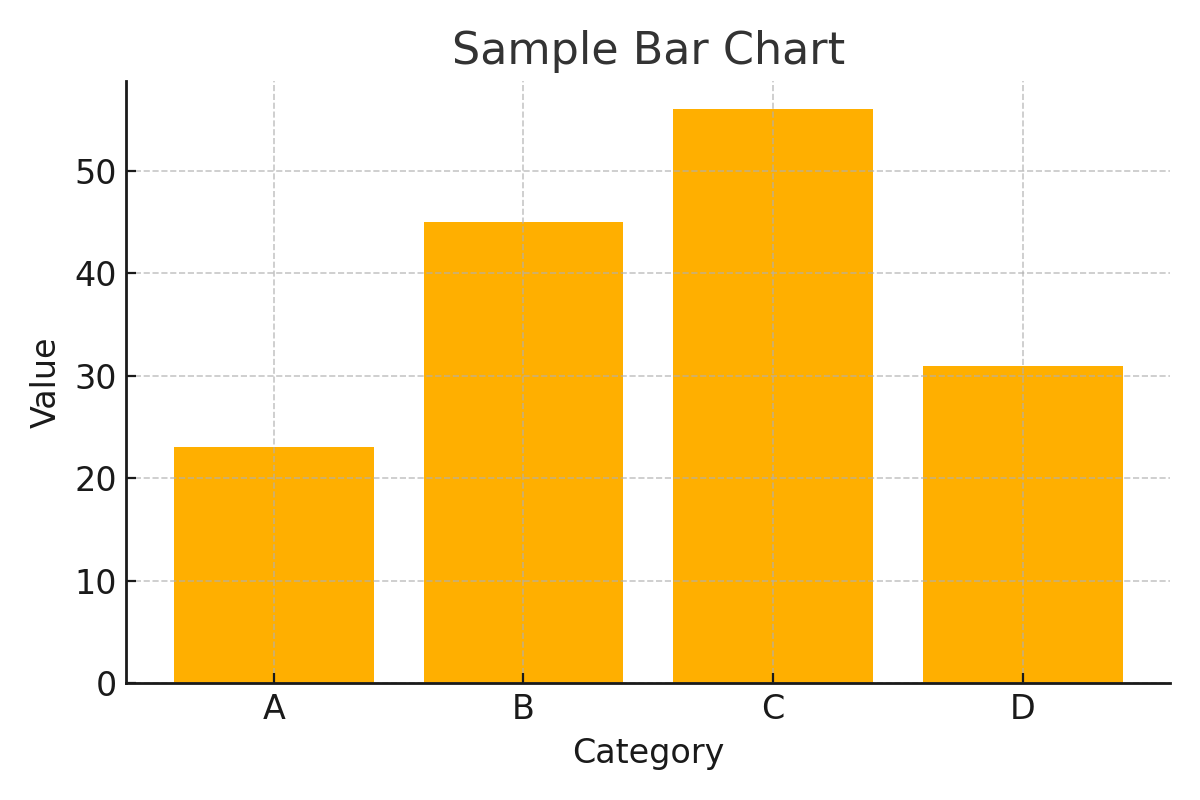
Use Scikit-learn to build a simple linear regression model.
from sklearn.linear_model import LinearRegression
from sklearn.model_selection import train_test_split

X = df[['feature1']]
y = df['target']

X_train, X_test, y_train, y_test = train_test_split(X, y, test_size=0.2)

model = LinearRegression()
model.fit(X_train, y_train)

print("Model Score:", model.score(X_test, y_test))This tutorial has given you a brief introduction to Python for data science. With continued practice using these libraries, you'll be well on your way to developing data-driven insights and models.
Next steps: Explore deeper into Pandas, try your own datasets, and learn about classification models.